
News & Insights | March 24, 2024
Two Ways to Stop Executive Impersonation Emails in Microsoft 365
How confident are you that a new hire could spot a fake 'urgent' email from your CEO? Two practical Microsoft 365 defenses against executive impersonation, at any subscription level.
By Resolved Team
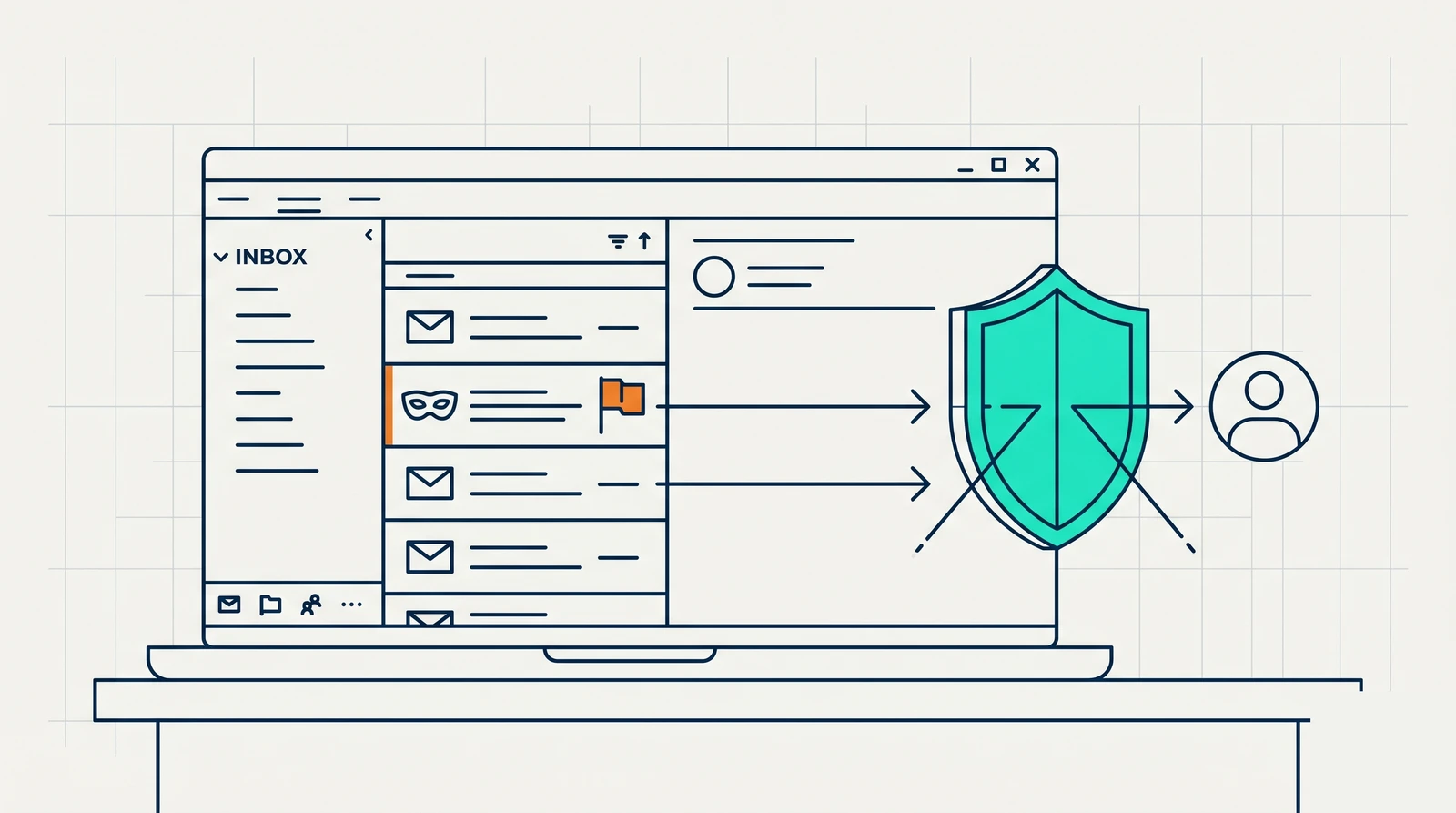
How confident are you that everyone on your team can tell a phishing email from a real one? Now picture a new hire who receives an urgent message from someone they believe is your firm’s CEO, asking for a quick favor. That is executive impersonation, and it is one of the most common ways attackers get a foot in the door.
The good news: if you run Microsoft 365, you can block a large share of these attacks with settings you already have access to, at any subscription level. Here are two practical defenses.
What executive impersonation is
Executive impersonation (also called executive fraud or business email compromise) is simple at its core: someone pretends to be a leader inside your company to manipulate an employee, usually into sending money, sharing sensitive information, or granting access.
How the attacks work
Attackers use tools to scrape public sources like LinkedIn and your website, building a profile of your firm: who reports to whom, who handles finances, who just started. With that profile, they send targeted emails that look like they come from a principal or executive. These tools can fire off thousands of attempts a day and simply wait for someone to respond. The more the attacker learns, the more convincing the next message becomes. The endgame is usually a fraudulent payment, stolen data sold on, or a deeper compromise of your systems.
How to block a large share of it
Note: if you are not the person who manages your IT, forward this to whoever does.
Option 1: Impersonation protection in Microsoft Defender for Office 365
For Microsoft 365 plans that include Defender for Office 365, such as Business Premium or E5.
- Sign in to the Microsoft Defender portal at security.microsoft.com.
- Go to the anti-phishing page and edit your existing policy, or click Create to start a new one, name it, and click Next.
- Set the policy to apply to your whole domain, then click Next.
- Under Impersonation, turn on “Enable users to protect,” then add your executives to the protected-senders list.
- Optionally enable domain protection, add trusted senders and domains, and turn on spoof intelligence. Keep a whitelist of trusted senders so legitimate mail is not caught.
- Choose how aggressive to be. A safe starting point is moving suspicious messages to the recipient’s Junk folder. If you are not an IT professional, leave the advanced settings at their defaults.
- Review, submit, and confirm the policy is on. Watch the mail-flow logs for a week to be sure no legitimate senders are getting flagged.
Option 2: An Exchange mail-flow rule that blocks the executive’s display name
For plans without Defender for Office 365, such as Business Standard or E3.
- Sign in to the Microsoft 365 admin portal at admin.microsoft.com.
- Open the Exchange admin center (it opens in a new tab).
- Go to Mail flow, then Rules.
- Click Add a rule, then Create a new rule, and give it a clear name.
- Set the condition: apply this rule if “The sender” has specific properties including any of these words.
- Choose the DisplayName property and enter the name of the executive being impersonated (for our own tenant, we would use “Reid McConkey”).
- Under “Do the following,” select Block the message and set any rejection options you want. We suggest deleting the message without notifying anyone.
- Add an exception so the real executive is never blocked: set “Except if” “The sender” “address includes any of these words,” and list their legitimate email addresses, including any personal or secondary addresses they send from.
- Save.
From then on, any outside email using your executive’s display name is blocked automatically. It is not perfect (it struggles if your principal shares a very common name), but it is free and stops a meaningful share of attempts.
These help. They are not the whole answer.
Both options block a good portion of executive fraud, not all of it. Employees still need regular security-awareness training to catch what slips through, and you still need simple verification habits, like confirming any unusual payment or data request through a second channel before acting on it.
As AI makes impersonation more convincing, this only gets harder. The takeaway: turn on the protections above today, and pair them with training and clear verification policies. Tools and people together are what actually keep you safe.
If you would like help setting these up, or building the training and policies around them, that is exactly the kind of thing we handle for the architecture and engineering firms we support.
News & Insights
All insights